Interactive electrical diagram
Manipulate switches and analyze system results visually to make complex electrical logic easier to understand.
iPad version onlyE170 · E175 · E190
A comprehensive E‑Jet knowledge database designed for initial training, recurrent review and everyday proficiency—all in one powerful app.
Interactive electrical diagram available on the iPad version only.
Test your E‑Jets knowledgeTRY THE FAST QUIZ→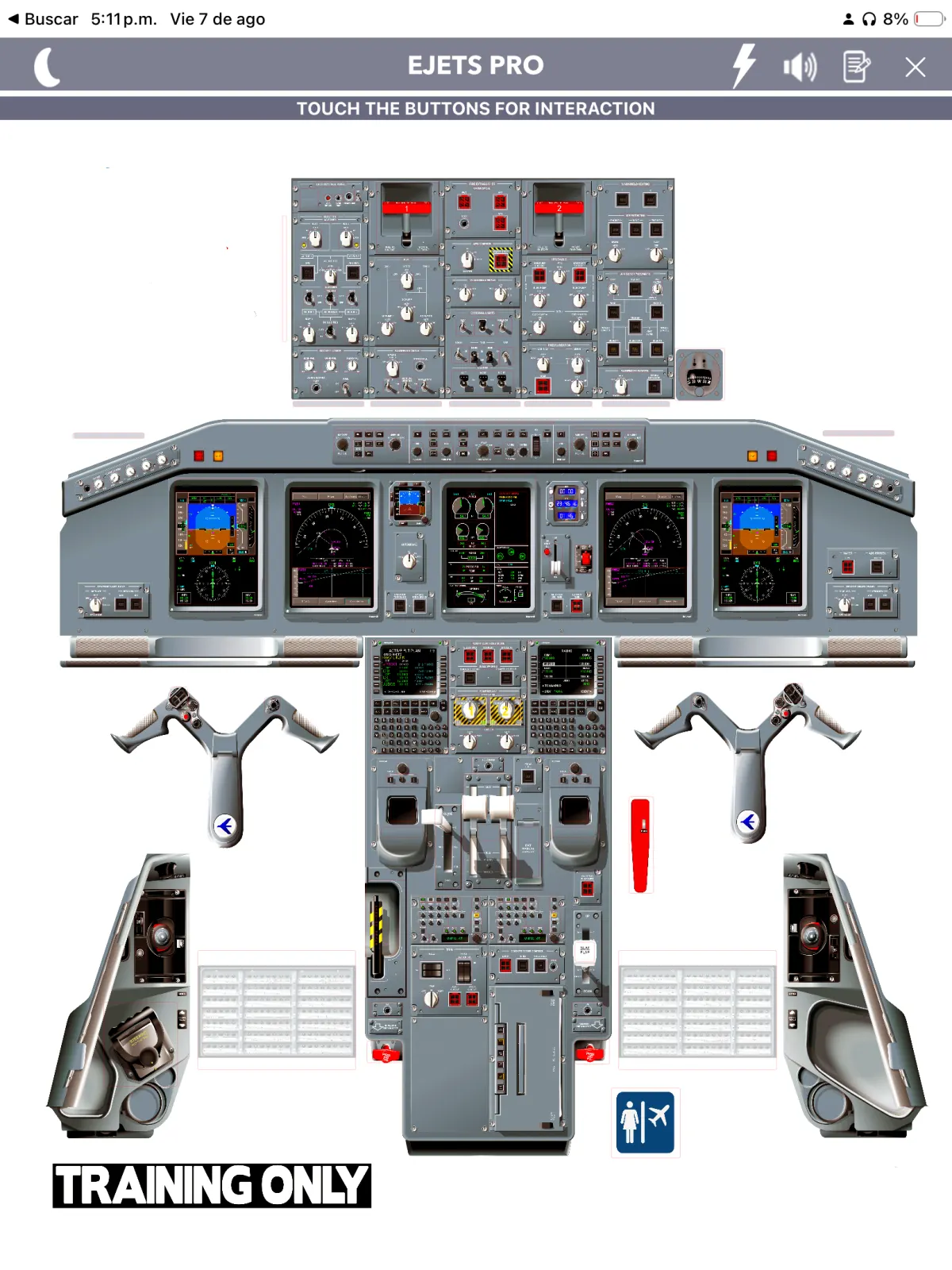
One complete knowledge base
Whether you’re beginning E‑Jet training or staying current, the app puts the systems knowledge and study tools you need within immediate reach.
The database is organized around E‑Jets Airplane Operations Manual information, bringing questions, explanations, references, limitations, memory items and visual learning tools into one focused experience.
Key features
Manipulate switches and analyze system results visually to make complex electrical logic easier to understand.
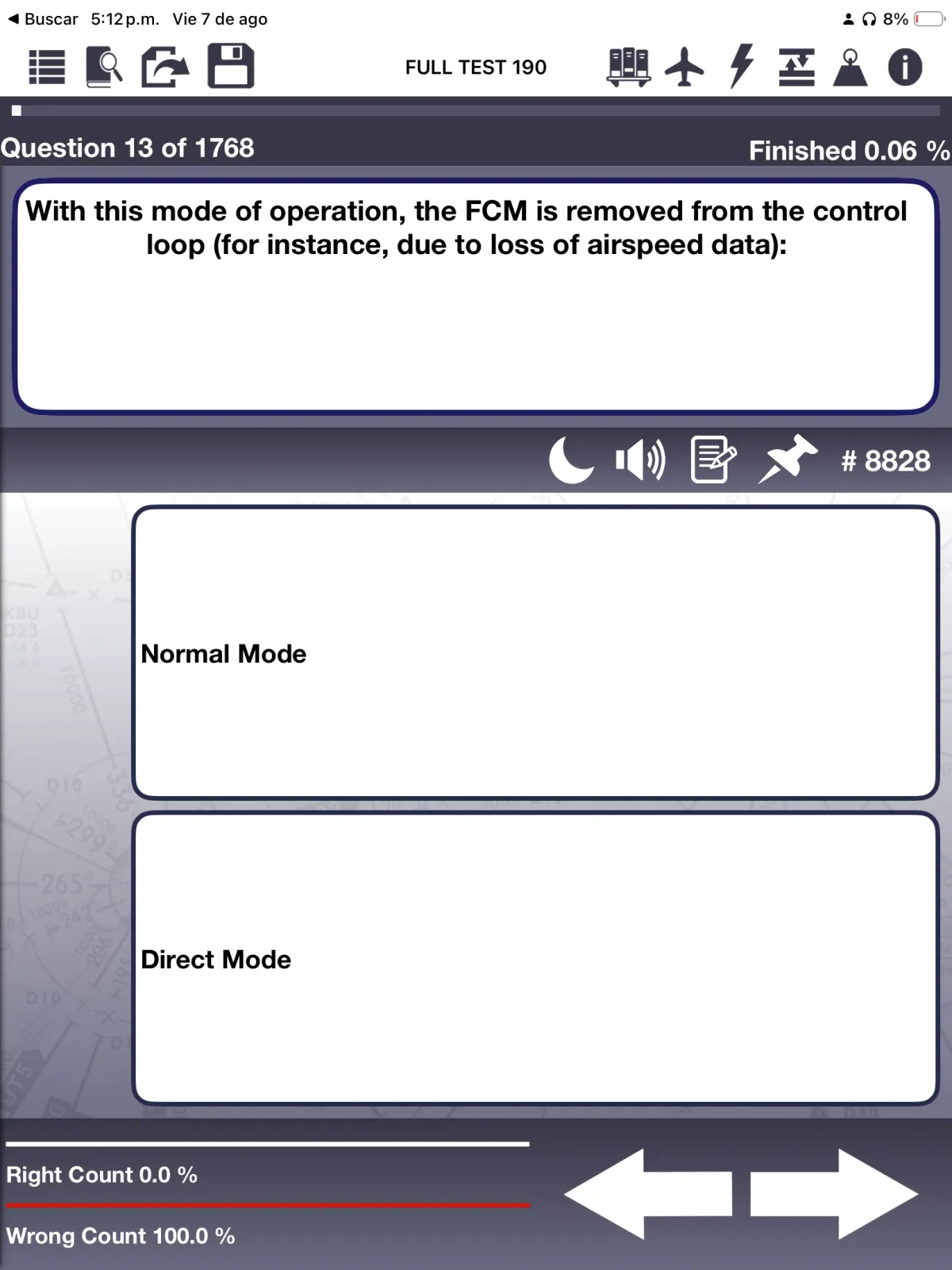
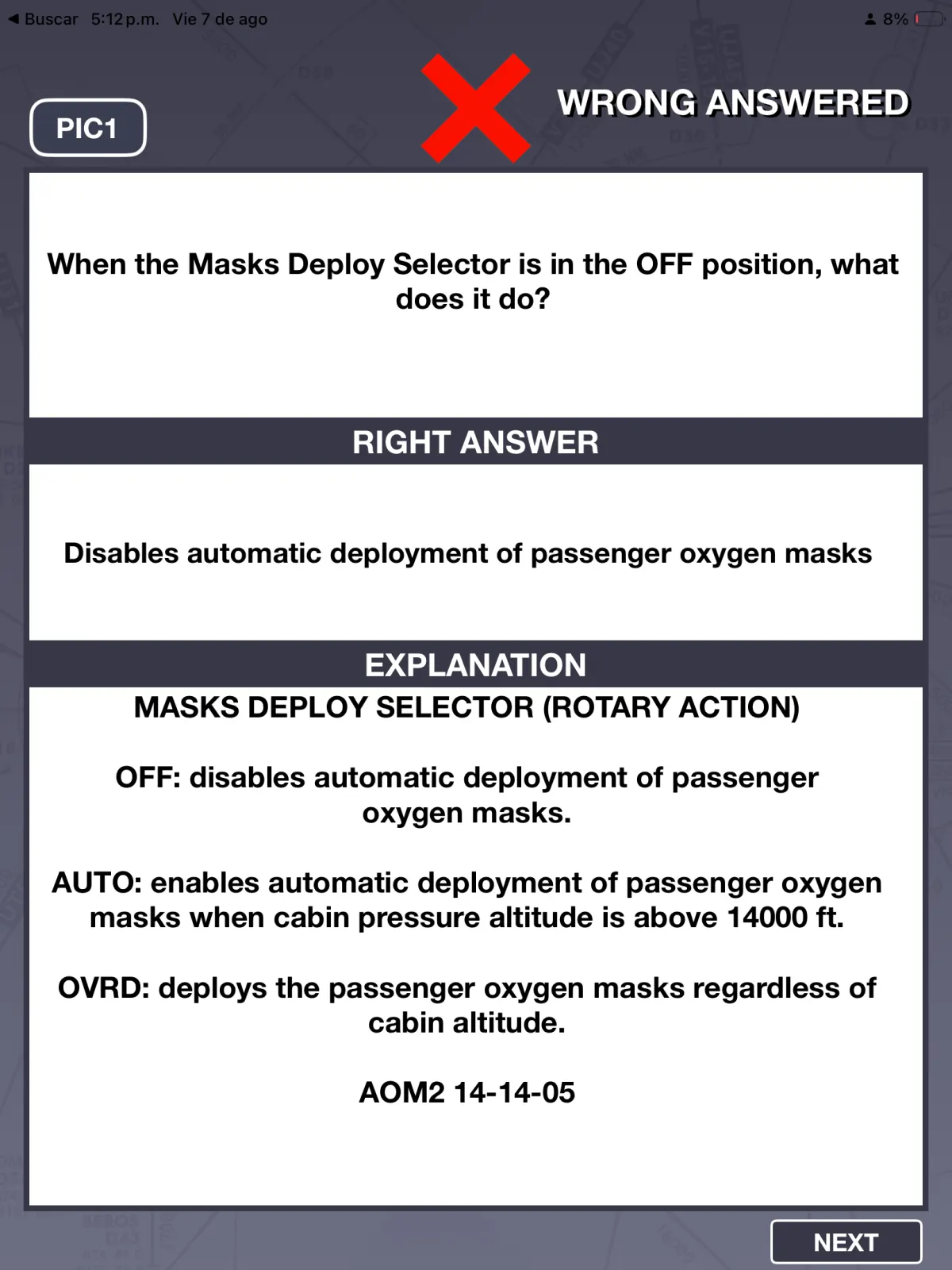
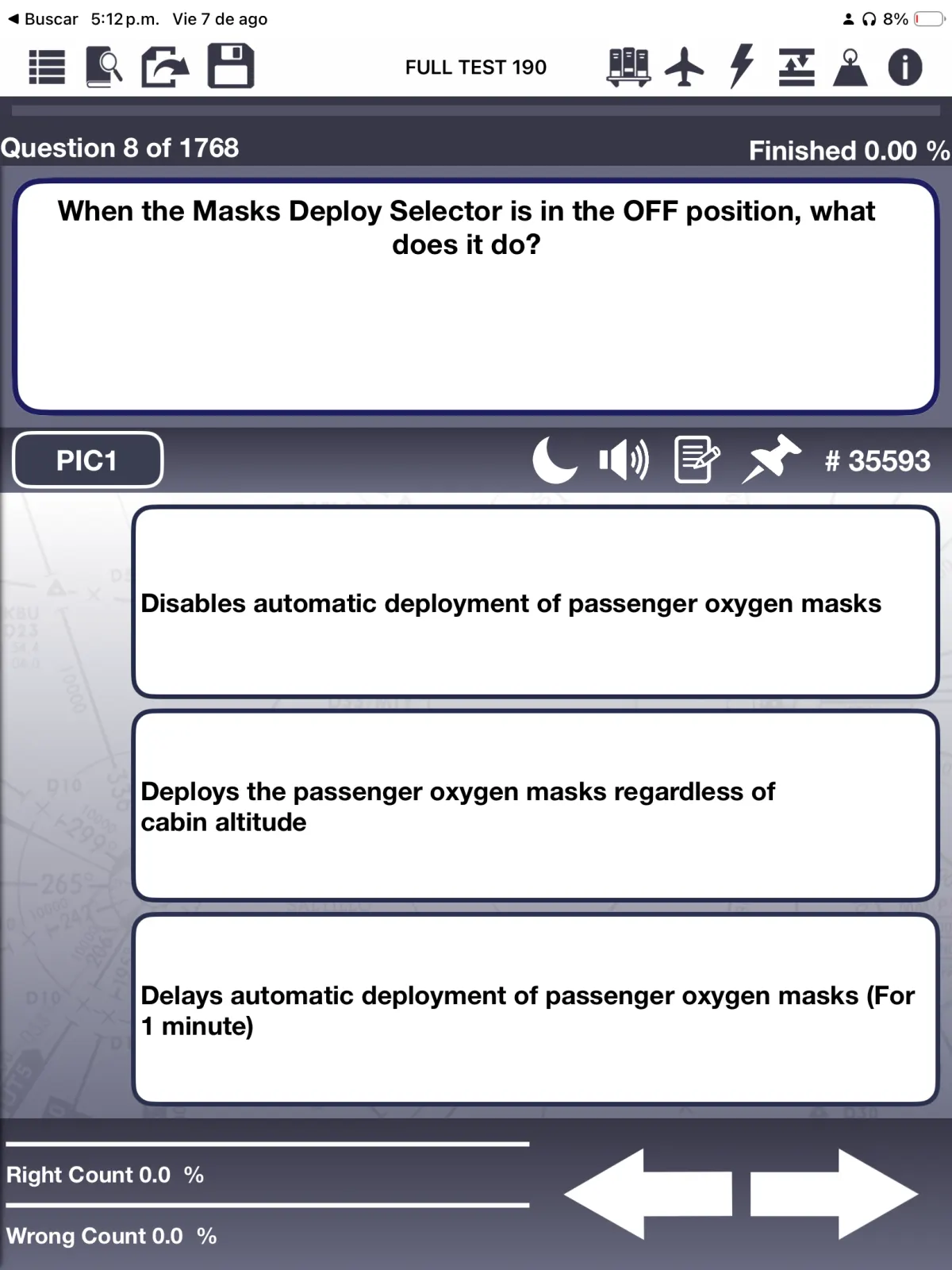
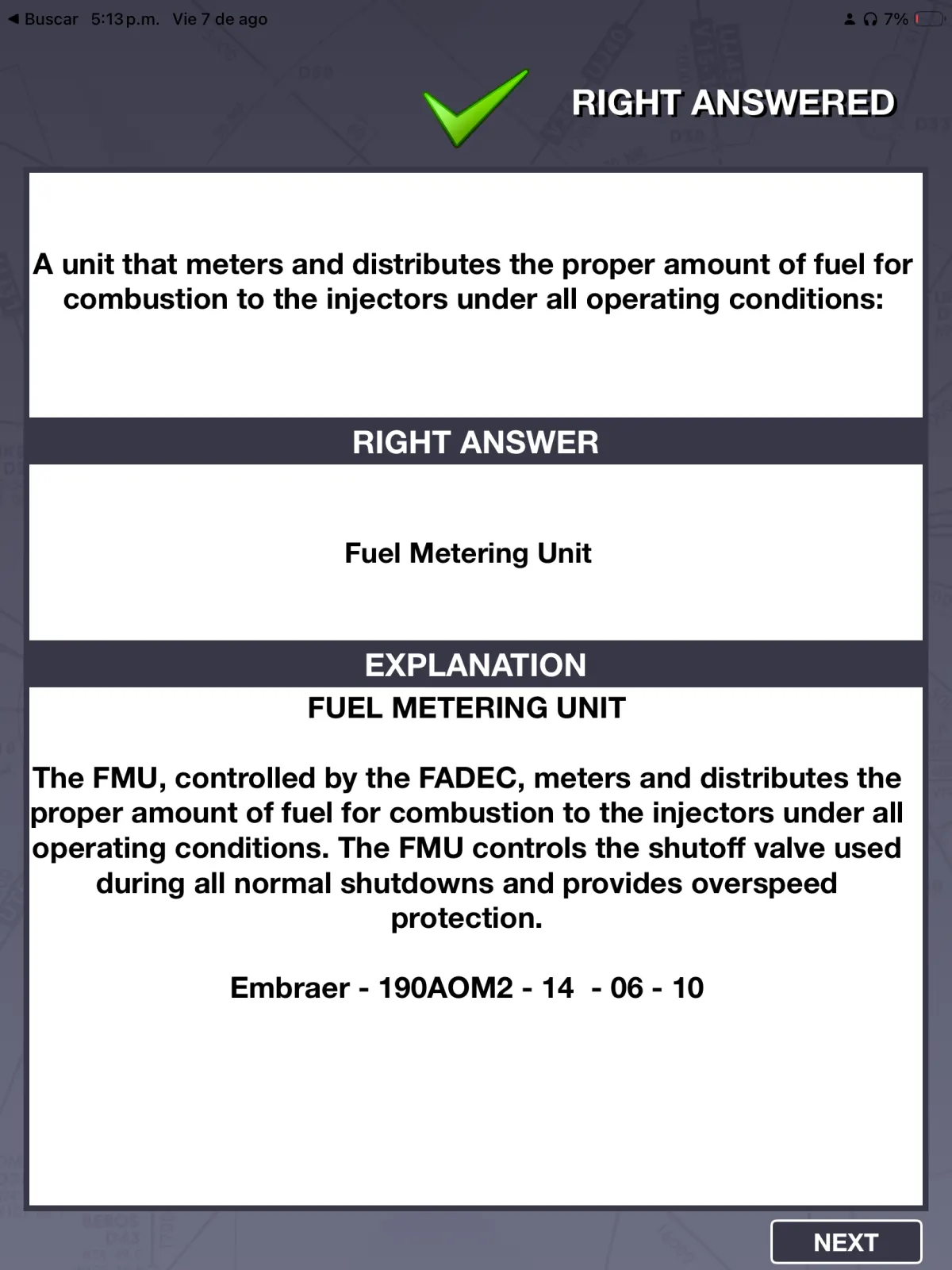
iPad version only1,768 questions with detailed explanations, 650 images and 1,400 references across E170, E175 and E190.
Search definitions, FAA and Jeppesen abbreviations, EICAS messages, limitations, memory items and AOM information.
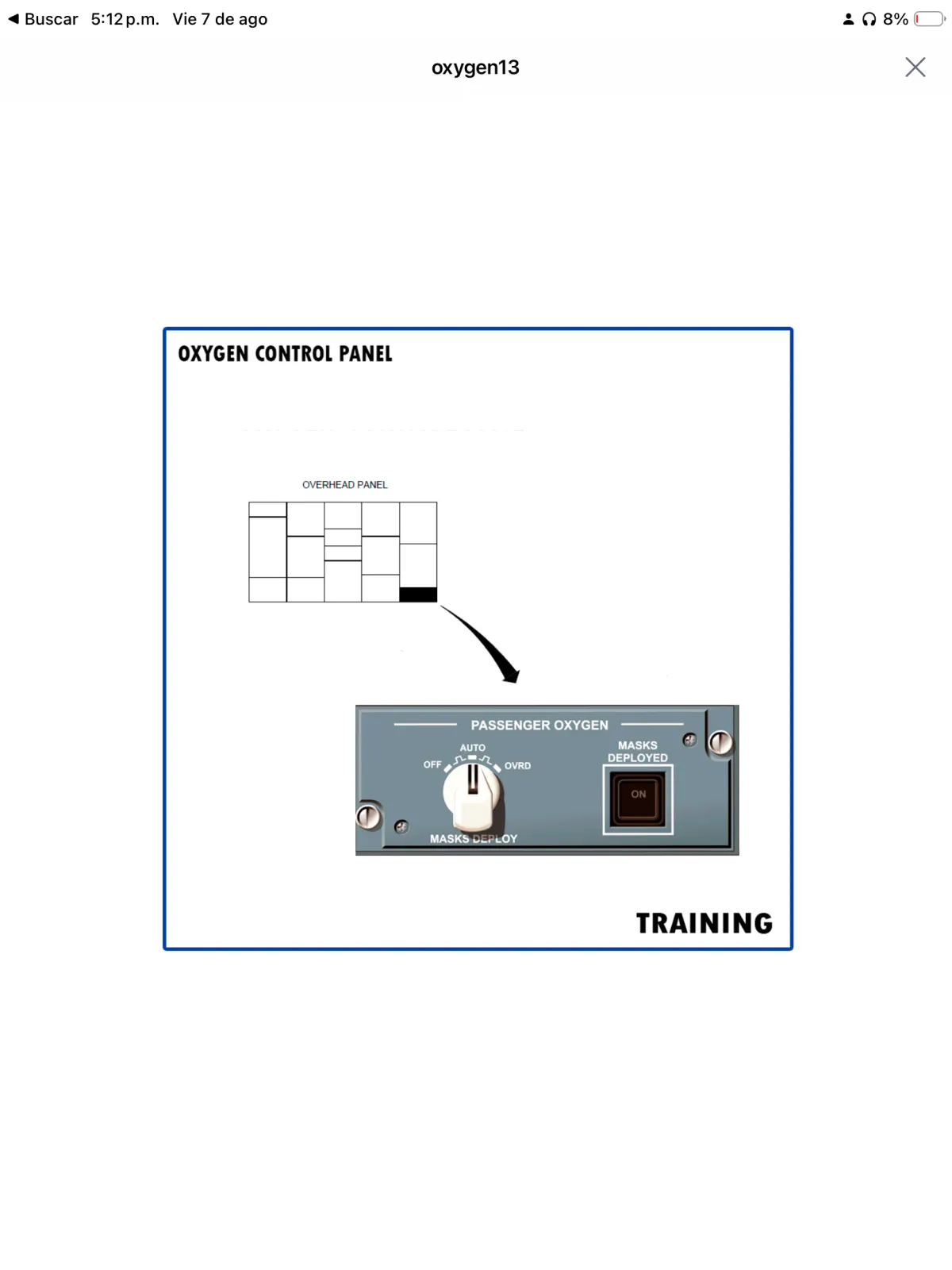
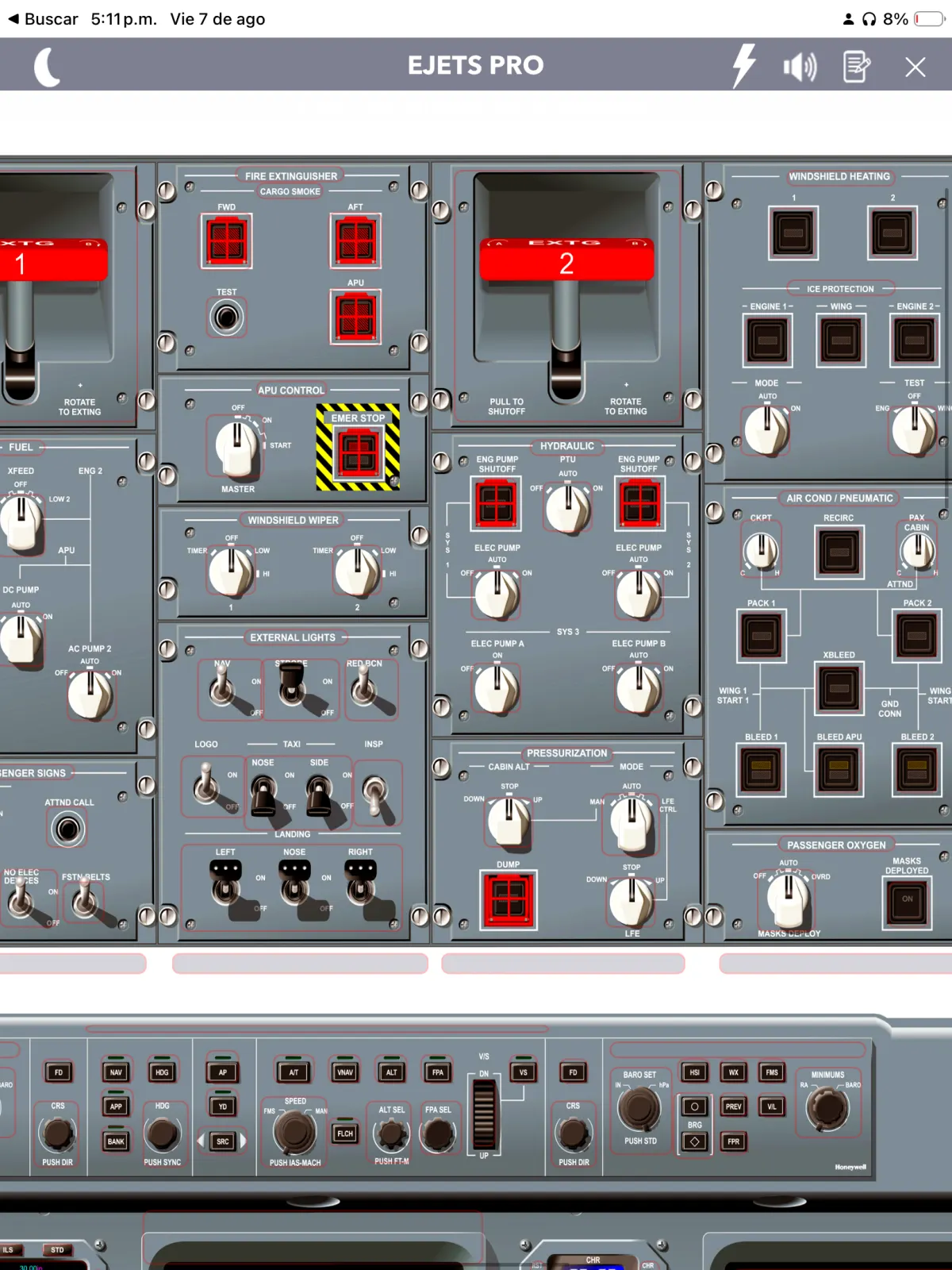
High-definition panels with 1,250 interactive components and more than 250 virtual system pages.
Convert weight, speed, temperature, pressure and distance quickly during study sessions.
A focused, low-glare interface for comfortable study during day or night sessions.
Explore the app
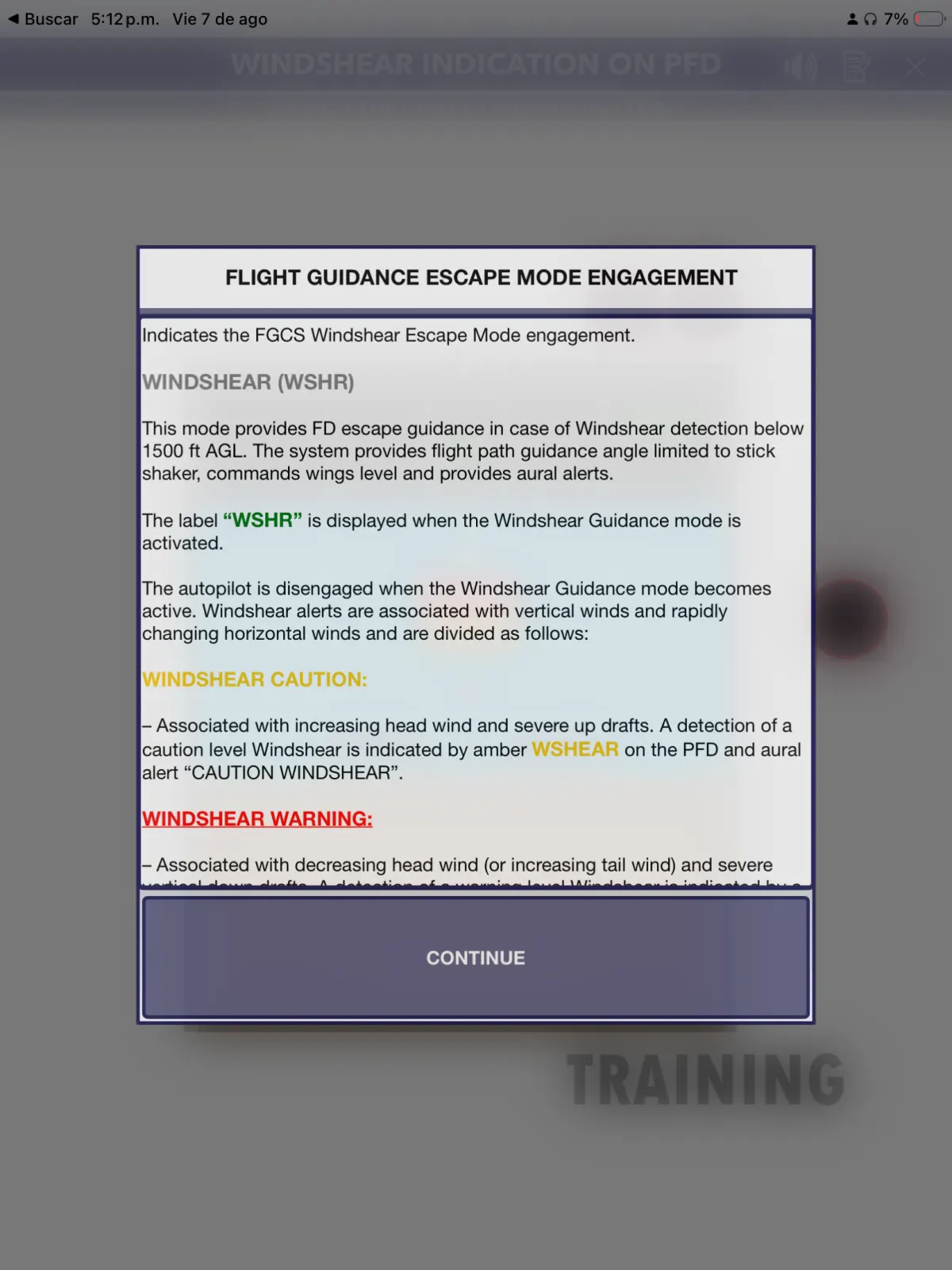
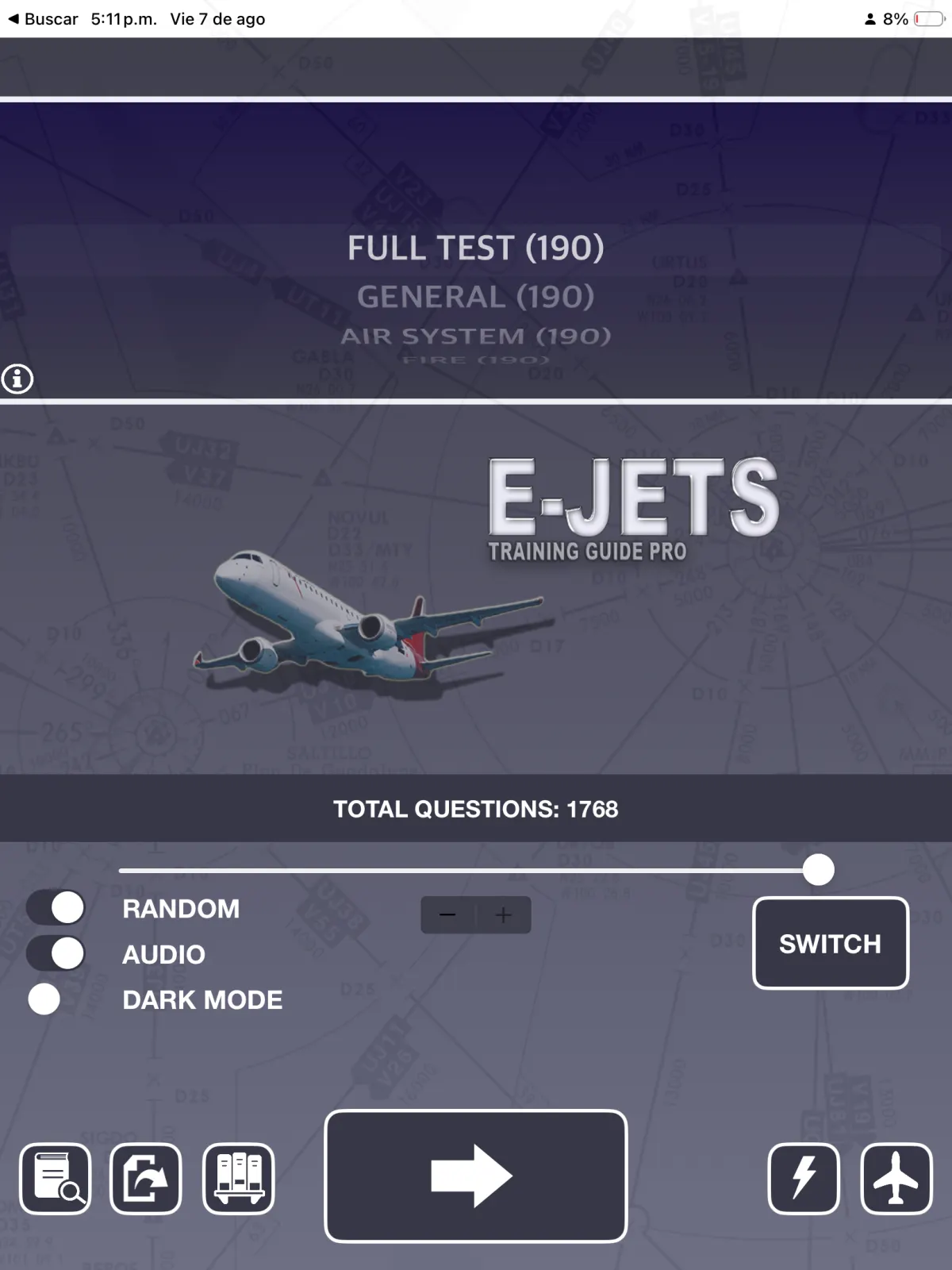
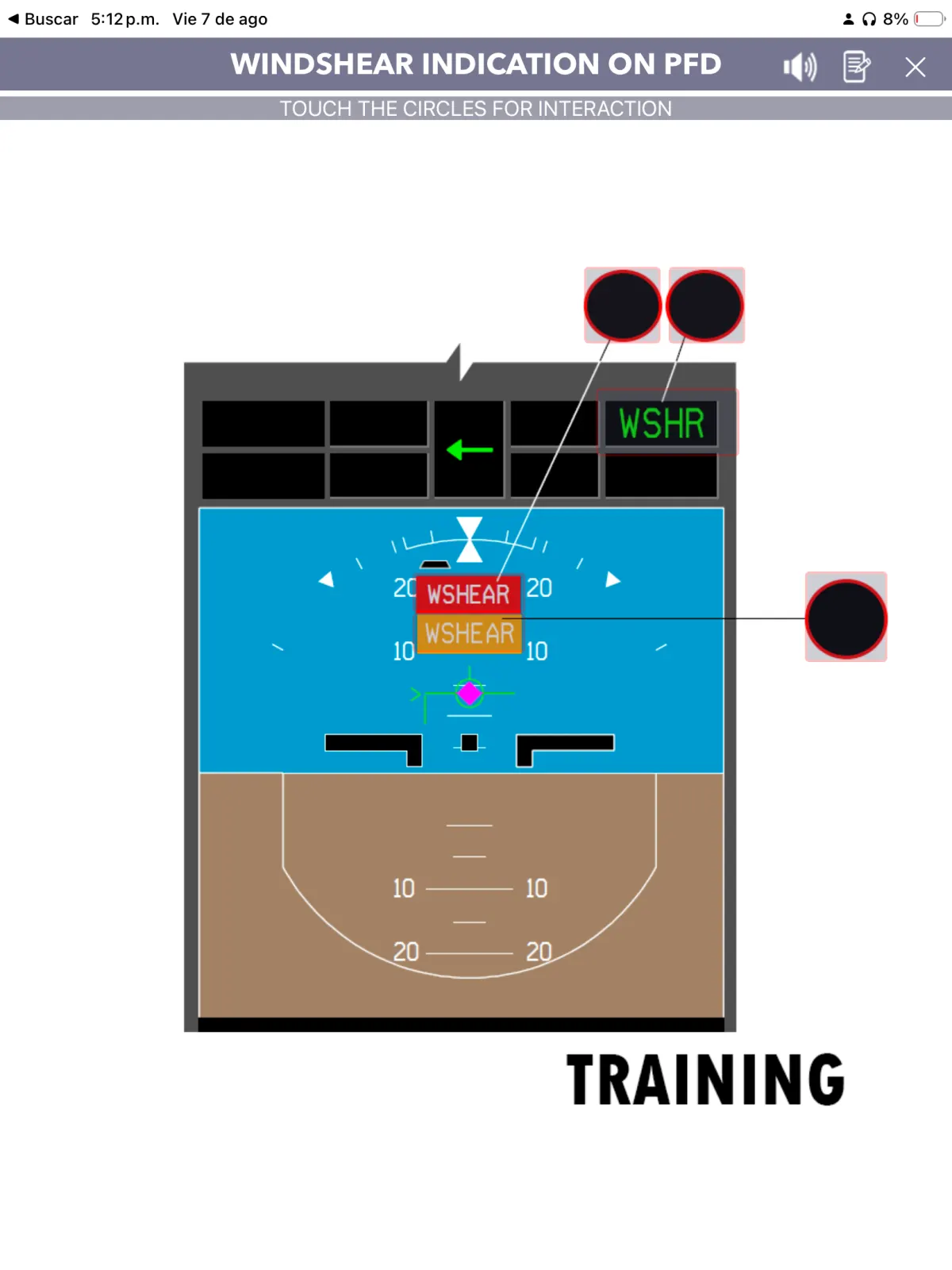
Move naturally between full tests, detailed explanations, system diagrams and interactive cockpit panels. The interface is built for iPad and iPhone, with essential study tools also available for Android.
Training coverage
Full-test preparation with detailed categories covering the essential aircraft systems and operating knowledge.
Why choose E‑Jets Training Guide?
Thousands of questions, images and explanations in one place.
Realistic tests and interactive tools for stronger preparation.
Information supported by direct AOM references.
Designed for pilots from initial training through recurrent review.
Pilot feedback
“An amazing tool for my initial training. The question bank and system explanations helped me understand the aircraft much faster.”

“I passed my check and felt prepared walking into the simulator. The tests showed me exactly where I needed more review.”

“The interactive panel is excellent for cockpit familiarization. I could review switches and systems before every training session.”

“Everything is organized in one place. Search, diagrams, memory items and limitations made recurrent study far more efficient.”

“The explanations made a real difference. I stopped memorizing isolated answers and started understanding how the systems work.”

Sample testimonial layout using fictional pilot portraits and illustrative feedback. Replace with verified customer reviews before production use.
Ready for your next training session?
Prepare for initial training, reinforce aircraft knowledge and keep your skills sharp.